RupeeCompass guide
How to Link Your Partner Privately in Rupee Compass
A complete guide to mutual approval, private joint AI planning, separate accounts, permission boundaries, safe invitations, and instant delinking.
By Rupee Compass Editorial Team · Published 27 August 2026
Why this matters
A complete guide to mutual approval, private joint AI planning, separate accounts, permission boundaries, safe invitations, and instant delinking.
Where Rupee Compass fits
Account access: Two separate private accounts; no browsing permission; Shared credentials or unrestricted account access AI input: Combined readiness bands only; Raw transactions, balances, messages, or documents Ending access: Either person can delink immediately; Manual cleanup with uncertain copies or access
What Connected Partner means
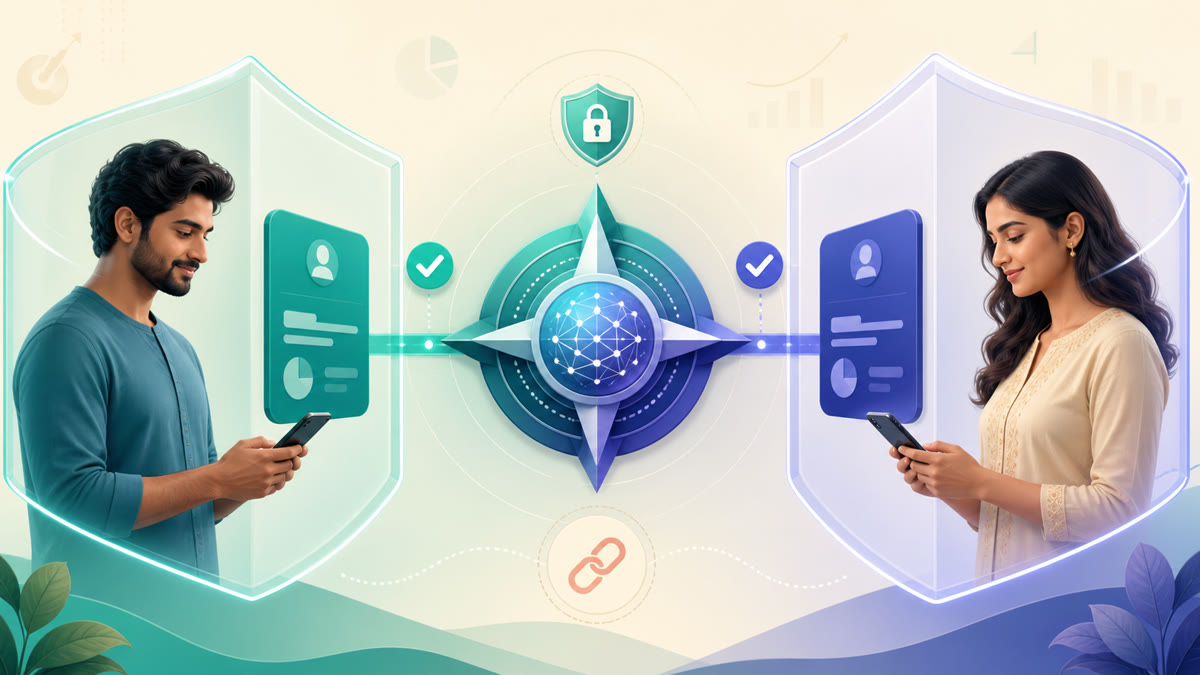
Connected Partner lets two adults plan together while keeping separate Rupee Compass accounts. It is not a shared login, it does not merge ownership, and it grants no permission to browse the other person's Dashboard, transactions, balances, SMS messages, documents, profile, or settings. The feature is designed for a narrow purpose: creating privacy-bounded joint readiness signals after both people consent.
- Each person keeps an independent login and private records.
- The relationship starts only after both people approve.
- Either person can disconnect without deleting the other's data.
How the invitation works
Open Connected Partner from the Family area, choose the relationship type, and enter the exact email used by the other person's Rupee Compass account. The invitation email contains an expiring approval link. The recipient installs or opens the app, follows that link, signs in with the invited email, reviews the privacy promise, and explicitly approves. Signing in alone never approves the connection.
- Check the email address before sending.
- Do not forward an invitation link.
- Expired, cancelled, or declined links cannot be reused.
What joint AI may use
After approval, the backend can produce broad combined bands for cash-flow readiness, EMI pressure, emergency preparation, and shared goals. The AI receives those joint bands rather than participant-by-participant transactions or amounts. It cannot use the connection to fetch private pages, raw SMS, merchants, categories, documents, or account identifiers. Existing AI plan eligibility still applies to each supported workflow.
Connected Partner versus Share Access
Share Access is a different feature for deliberately showing selected pages or documents. It can use page-level permissions, amount masking, passcodes, and revocation. Connected Partner shows no pages and no raw records. Choose Connected Partner for private joint guidance and Share Access only when a known recipient genuinely needs a specific view or file.
- Use the smallest useful permission.
- Verify the recipient before sharing.
- Revoke access when the task ends.
How to disconnect and recover from mistakes
Either person can select Disconnect partner and confirm. Future joint processing stops immediately, while both accounts keep their own information. Reconnecting requires a new invitation and fresh approval. If the wrong email was invited, cancel it and create a new invitation. If the recipient changed phones, they should sign in with the invited account and reopen a still-valid link from the original email.
Safety checklist
Treat an invitation like any other sensitive account action. Confirm the relationship, invited email, and current connection status inside the app. Rupee Compass support should never ask for a password, OTP, or the full contents of a financial message to approve a connection. When in doubt, cancel the pending invitation and begin again from the authenticated Connected Partner screen.
- One account can have only one active connection at a time.
- An old link cannot restore a disconnected relationship.
- Plan access does not change merely because a partner is linked.
Product capabilities covered
- Private email invitation
- Mutual approval
- Combined readiness bands
- Instant delink
Frequently asked questions
Can my partner see my transactions or balance?
No. Connected Partner grants no page access and exposes no raw financial records.
Is this the same as Share Access?
No. Share Access can reveal selected pages or documents; Connected Partner produces only privacy-bounded joint signals.
Can either person disconnect?
Yes. Either person can delink at any time, and reconnecting requires a new invitation and approval.